Hey Axe-Masters,
It’s a new year, and we have our first release to kick it off.
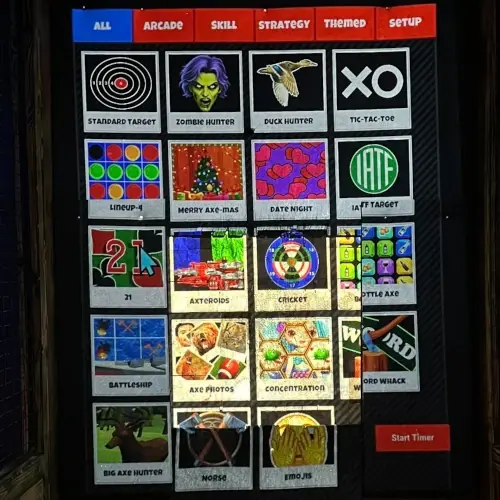
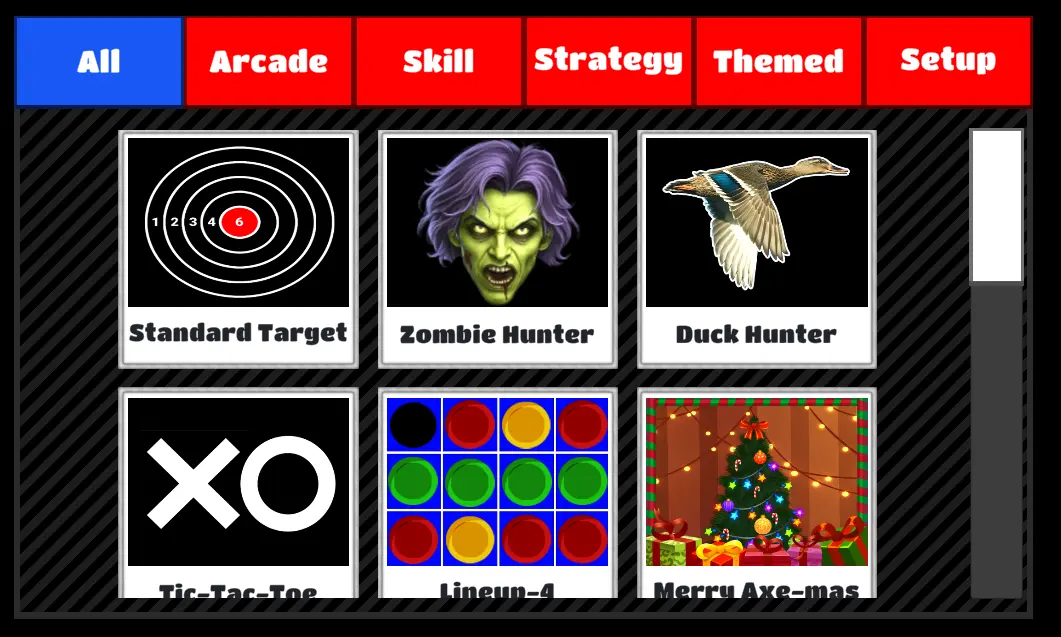
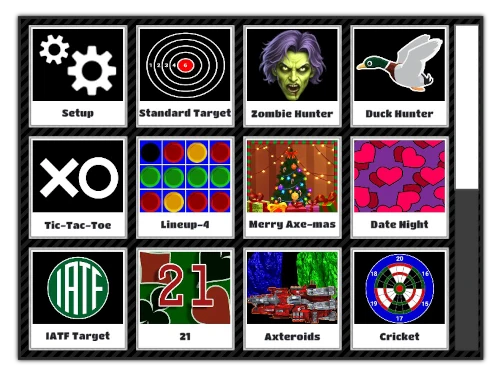
We like flexibility and customization. So we’ve added a new option to the Main Menu to let you hide the game categories.
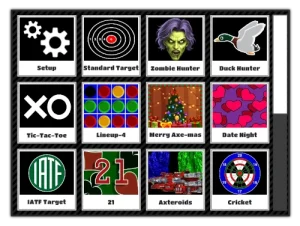
This change is available in Windows 5.0.1 and Linux 7.0.1 – January 19.
Here is how you find the new setting:
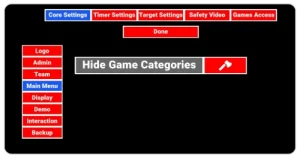
- CTRL+M to enter the admin panel
- Select the Settings option
- Select the Core Settings tab
- Select the Main Menu tab from the core settings tabs
- Check the option: Hide Game Categories

As always, we appreciate and value your feedback, and we’ll see you soon.
Best Regards,
The Axcitement Team
Need Help or Want to Get More Out of Your Axcitement System?
- Users Only Facebook Group – Share ideas and get advice from other users
- YouTube Channel – Tutorials, setup help, and troubleshooting
- Customer Portal – Manage settings and explore features
- Email us anytime at info@axcitement.com
- Chat with us on WhatsApp
- Call us at (409) 572-9101
Maximize Your Setup
- Double Wedge House Axes – Built for daily use. Durable, secure, and designed for safety and performance.
- Auto Detection System – Enhance scoring and player experience with real-time tracking.
Website Design and Hosting Services
- Your business has a lot to offer customers — make sure your website shows it!
- Email crystal@clearwebsitedesign.com or fill out this form.