Hey Axe-Masters,
It’s a new year, and we have our first release to kick it off.
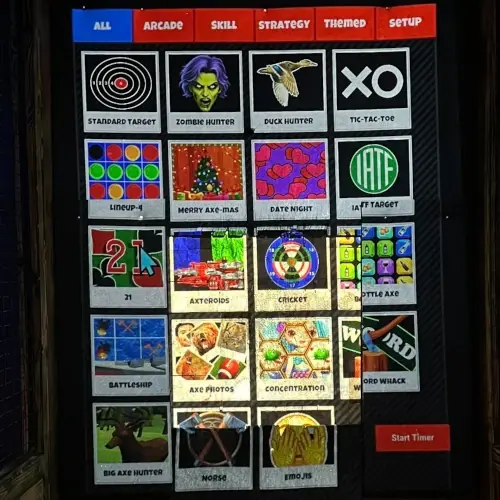
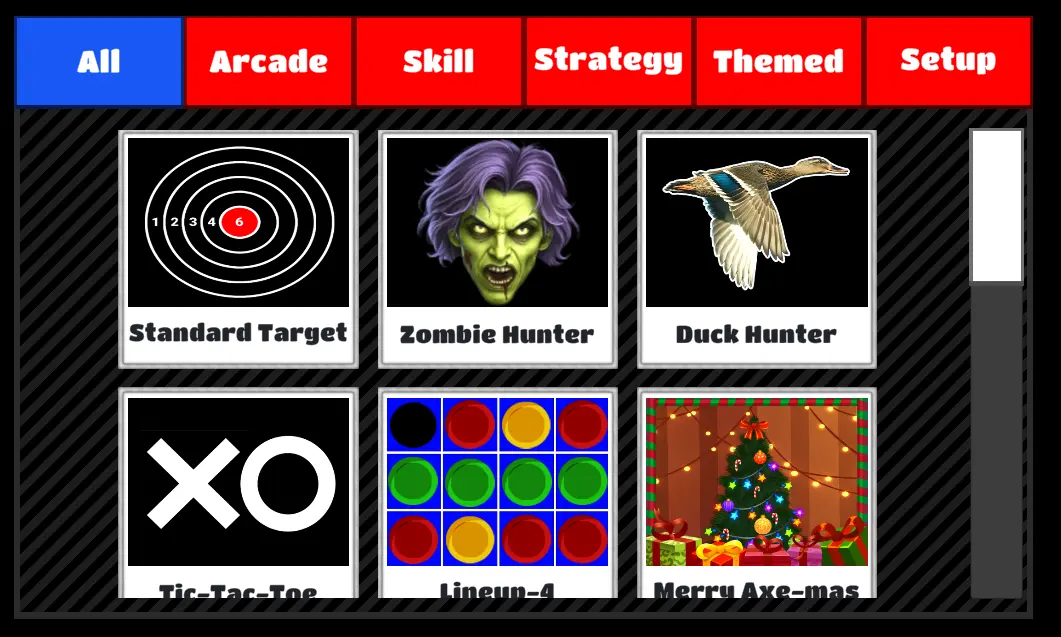
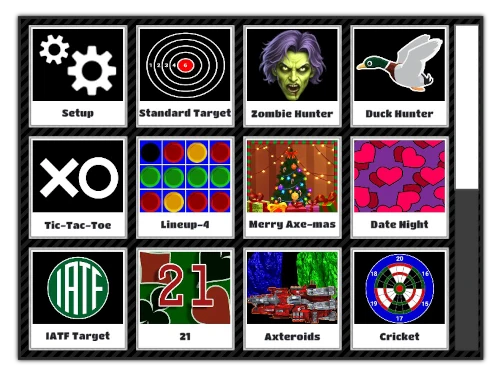
We like flexibility and customization. So we’ve added a new option to the Main Menu to let you hide the game categories.
This change is available in Windows 5.0.1 and Linux 7.0.1 – January 19.
Here is how you find the new setting:
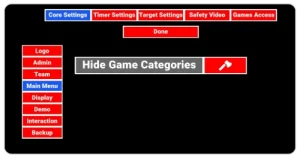
- CTRL+M to enter the admin panel
- Select the Settings option
- Select the Core Settings tab
- Select the Main Menu tab from the core settings tabs
- Check the option: Hide Game Categories